InterCity2.4
Publisher Description


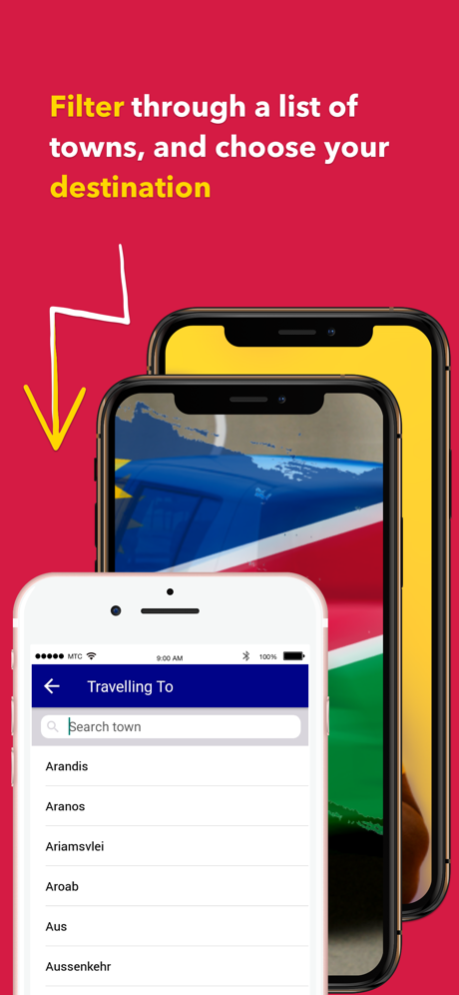
Intercity is a carpooling platform connecting people seeking to travel with drivers who are already planning to take the same route.
Need a simple way to get from Town A to Town B quickly? –with InterCity, it's easy here’s how it works:
- Just open the app and search where you want to go.
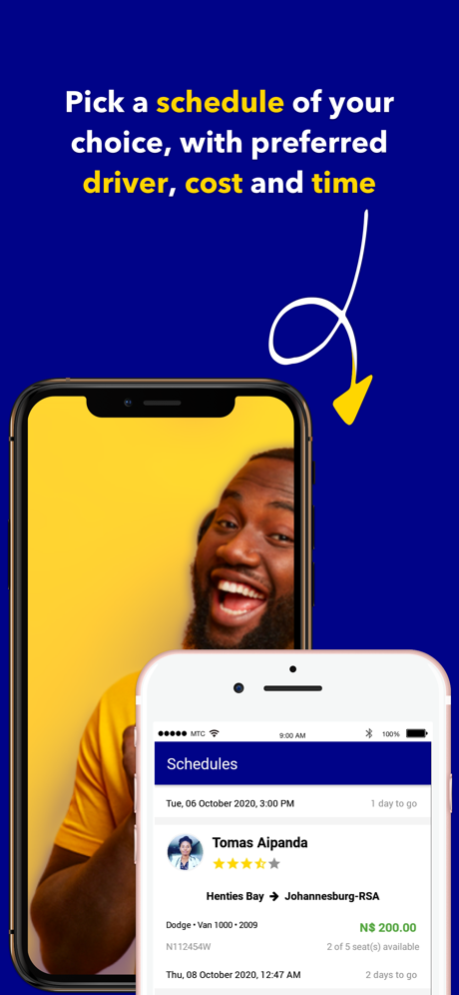
- You’ll see a list of scheduled trips with your driver’s picture and vehicle details for verification.
- Click book seat on the most convenient travel plan.
- You'll receive an approval notification from the driver.
- You'll be able to call the driver from the app.
- After the trip, you can rate your driver and provide feedback to help us improve the InterCity experience.
Are you a driver who wants to share the fuel cost? Share your travel plans in advance– you’ll travel with other riders heading in the same direction, and enjoy a shared fare.
Do not drive with empty seats. Ensure that you set your profile picture in the settings tab.
Let's Go
Terms Of Service: https://www.apple.com/legal/internet-services/itunes/dev/stdeula/
Jan 2, 2024
Version 2.4
Never miss a trip! Subscribe to your favourite towns to get notified of departing trips.
About InterCity
The company that develops InterCity is Logic Plus Information Technologies CC. The latest version released by its developer is 2.4.
To install InterCity on your iOS device, just click the green Continue To App button above to start the installation process. The app is listed on our website since 2024-01-02 and was downloaded 1 times. We have already checked if the download link is safe, however for your own protection we recommend that you scan the downloaded app with your antivirus. Your antivirus may detect the InterCity as malware if the download link is broken.
How to install InterCity on your iOS device:
- Click on the Continue To App button on our website. This will redirect you to the App Store.
- Once the InterCity is shown in the iTunes listing of your iOS device, you can start its download and installation. Tap on the GET button to the right of the app to start downloading it.
- If you are not logged-in the iOS appstore app, you'll be prompted for your your Apple ID and/or password.
- After InterCity is downloaded, you'll see an INSTALL button to the right. Tap on it to start the actual installation of the iOS app.
- Once installation is finished you can tap on the OPEN button to start it. Its icon will also be added to your device home screen.
Program Details
System requirements
Download information
Pricing
Version History
version 2.4
posted on 2024-01-02
Jan 2, 2024
Version 2.4
Never miss a trip! Subscribe to your favourite towns to get notified of departing trips.
version 2.2
posted on 2023-09-11
Sep 11, 2023
Version 2.2
What's new? Easily share trips with your friends and family by tapping on the share button.
version 2.1
posted on 2022-09-09
Sep 9, 2022
Version 2.1
Thanks for using InterCity! This update contains several bug fixes and performance improvements, so you can enjoy the latest and greatest version of our app.
